A Blank White Rectangle
Talking to people is most of this game. You walk up to somebody, press E, and pick a line out of a short menu. If that panel is ugly or unreadable, the whole game is ugly, because it is the thing on screen more than anything else.
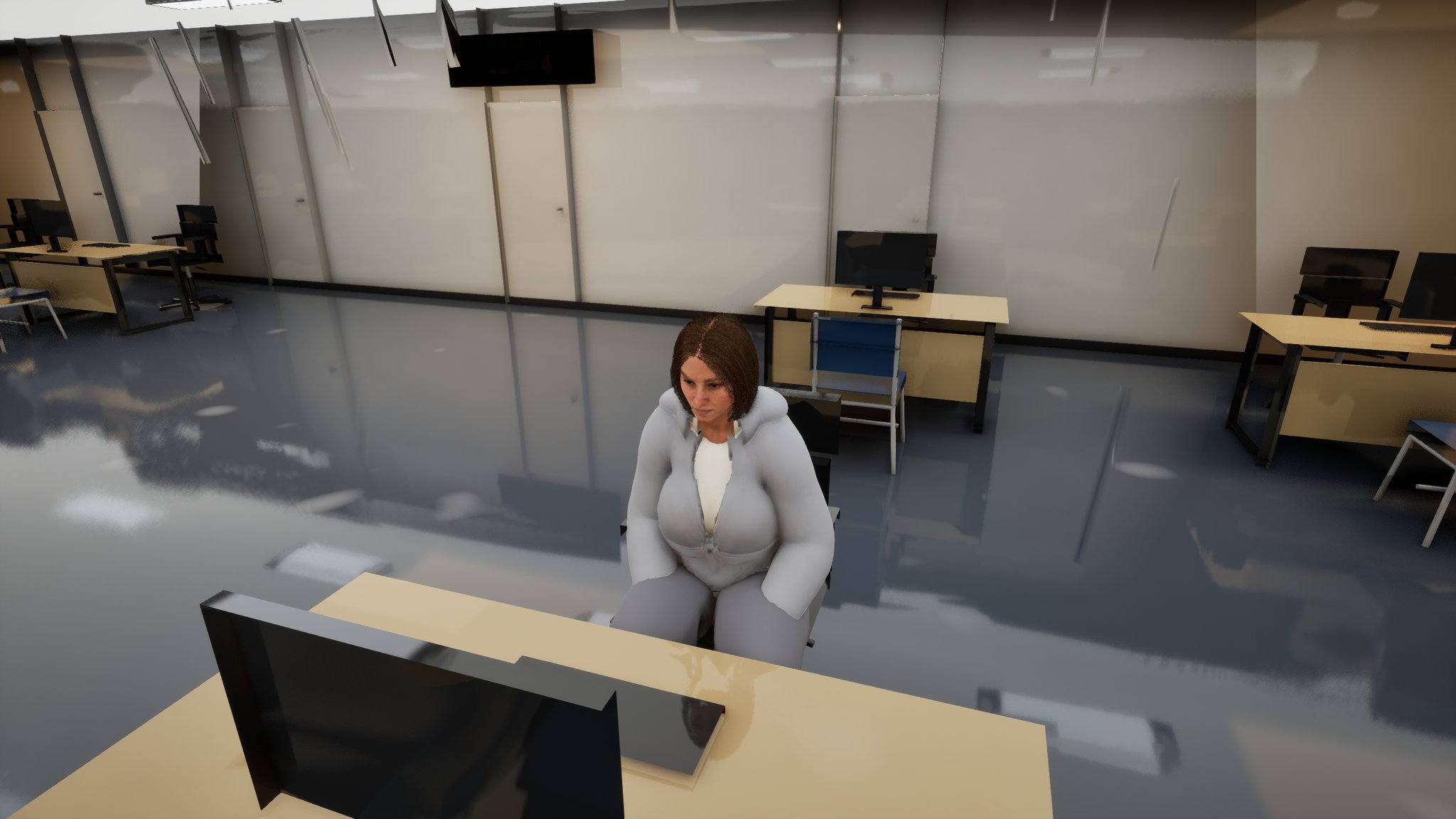
For the first months it was ugly. This is the write-up of what was wrong with it, what replaced it, and - the part actually worth another developer's time - what building interface through an agent taught me about verifying work I did not do by hand.
What was wrong
The engine version I am on keeps a widget blueprint's tree behind a protected property, so the engine's own Python cannot build interface layout at all. For a long time that left exactly one route: draw it in the Designer, by hand, myself.
So there was one dialogue panel. A speaker name, a line of text, three buttons. Everything else in the game that needed a conversation was a duplicate of that panel. The shop banter, the massage parlour, the pub regular - all the same three buttons, inherited from the first one I ever drew. That has four consequences, and I hit all four:
- The oldest design governs the newest feature. Wanting a fourth option meant editing
the ancestor by hand and hoping nothing downstream cared. Every widget in the family was frozen at whatever I understood about layout on the day I drew the first one.
- Text you cannot read. The chip shop's order menu had white labels on a light panel.
Not broken - invisible. Same class of thing bit the phone's satnav band, where three text blocks and a background sat at zero alpha for months while the code behind them faithfully updated them every frame.
- Text that runs off the edge. A bottom banter dock set to auto-size, no wrap width, so
the long lines ran off both sides at the narrow aspect I test at.
- Panels stacking on top of each other. A held interact key fires its Triggered event
every single frame, which spawned a pile of dialogue widgets: overlapping text, and a menu that would not close because each close removed only the top one, leaving input stuck in UI-only mode.
What replaced it
On 31 July a second agent server went in alongside the first, and one of its actions takes a JSON description of a whole widget tree and builds it. The hand-authoring rule died that day, proved with a seven-widget throwaway panel that dry-ran, built and compiled with zero errors and zero warnings.
The same day, a rock-paper-scissors betting dialogue came out of a single call: 55 widgets, no Designer work at all, playable end to end and verified in play-in-editor. That was the first interface in this project I actually liked looking at. A roulette dialogue and betting panel followed at 62 widgets, then a chat widget for the punter at the table, then one for the pub regular.
Two things made the new ones look modern, and neither is exotic:
- A rounded-box brush. There is no fancy effect-surface widget available in this
project. The whole "this looks like software from this decade" impression comes from Slate's procedural rounded-box brush - corner radius, outline colour, outline width - on panel backgrounds.
- The same brush on buttons, per state. Set it on a button's normal, hovered and
pressed styles and you get real hover and press feedback for free, which is most of what separates a menu that feels alive from one that feels like a spreadsheet.
Then the important structural change, on 6 August: when the pub regular needed a chat widget, I built it from the newest dialogue widget rather than the oldest. That inverted the inheritance. On 13 August I made it policy for the eleven estate residents being built out - the newest widget is the visual target, not the inherited original.
Worth being straight about the state: that policy is a decision on record, not finished work. The generic banter widget everyone else in the game uses still carries the old inherited layout. It has not been restyled yet.
The trap: it builds clean and shows nothing
Here is the symptom in the words you would type into a search box: the widget built fine, the validator was happy, the tool said ten widgets created and zero warnings, and the thing renders as a blank white rectangle.
I hit it on 7 August building a bus-stop departures board. The specification carried a font colour on every text node and a tint colour on the background panel. It validated. It reported created: 10, warning_count: 0. It produced white text on a white border.
The next day, a bike display: every child's slot position and size silently discarded, all six landing at the default offsets of 0, 0, 100, 30, stacked in the corner. Same pattern - the tree, the types, the nesting and the text content all landed perfectly. Only the geometry was dropped.
Why it happens
The builder applies structure and content and silently ignores style and layout. Text and font size land. Colour, tint and slot geometry do not.
The reason it is so convincing is that the report is truthful about the wrong thing. "Created 10, 0 warnings" is an accurate statement about the widget tree. It says nothing whatsoever about whether any property you asked for was applied, because the builder is not counting properties. A count of objects is not a count of intentions honoured.
There is a related detail that makes this worse than it needs to be: the array form of a position, [24, 24], is silently ignored where an object with named x and y is required. Wrong shape, no error, default used.
And the second-order trap, which cost me a re-run: the property-setting call echoes an empty value in its result even when the write succeeded. So you cannot tell a successful write from a no-op by reading the result. You have to read the value back off the widget.
The deepest version of this is invisibility reading as dead code. An image renders regardless of what colour the text next to it is. A band with a working arrow icon and zero-alpha text looks exactly like "the code that fills this never ran". I spent two sessions hunting through a graph that had been correct the whole time.
How it was caught, and the guard
Not by the compile log, which was green throughout. By rendering the widget straight to a PNG - no play-in-editor, no level, no actor, just the asset to an image file. That is the cheapest check in this project and it is the only reason the blank white rectangle was found before it went onto a mesh out in the world.
One honest caveat on that tool: pointed at a skeletal mesh later in the month it returned success and then killed the editor about twenty-four seconds afterwards, during the preview world's teardown. Save before you capture. A success result is not evidence the call was safe.
The guards that now stand:
- Dump the widget's own spec back out before reading any graph when a panel "shows
nothing". One call prints font colour and background hex for every node in the tree, so a fully transparent #00000000 jumps out immediately. Check the paint before you blame the logic.
- Write colours as a real structured object, not as a struct-shaped string. The
string parser mangles the colour into all-zeros - which is to say, invisible. This is how the satnav band ended up transparent in the first place.
- **Three passes, in order: build the tree from the spec, then set layout, fonts and
colours in a second pass, then read every value back and assert it.** Style is a step, not a fallback.
- Re-flag every widget you drive from code. Spec-built widgets are not exposed as
variables by default, and rebuilding an existing tree in place destroys and recreates every widget - the graphs survive byte-identically, but the variable flag is lost on all of them and the getters stop resolving until you set it again and compile.
- Guard the door, not just the panel. Before opening a dialogue, check no dialogue of
any kind is already open. That is what stops the held-key pile-up.
What to take from it
- A builder reporting what it created is not reporting what it applied. Object counts
and property counts are different numbers, and only one of them was printed.
- **Never infer that one field of a specification was honoured because a neighbouring field
clearly was.** Text landing is not evidence colour landed. That partial success is the whole reason the failure is convincing.
- Verify by reading the value back, never by the call's own result - especially when
that result cheerfully echoes an empty string on success.
- Look at the thing. One image of the asset, with the game not running, catches an
entire family of "renders nothing" bugs that no compile log can ever surface.
- Invisible and absent look identical from inside the code. Zero-alpha text and
default-position slots will send you into the graph for a session, and the graph is fine.
- **Duplicating a widget to inherit its layout inherits its mistakes and freezes the family
at the oldest design.** Once trees could be authored from a specification, the correct move was to make the newest one the reference and let the old one be the thing that gets replaced.